Explain the service before the first call
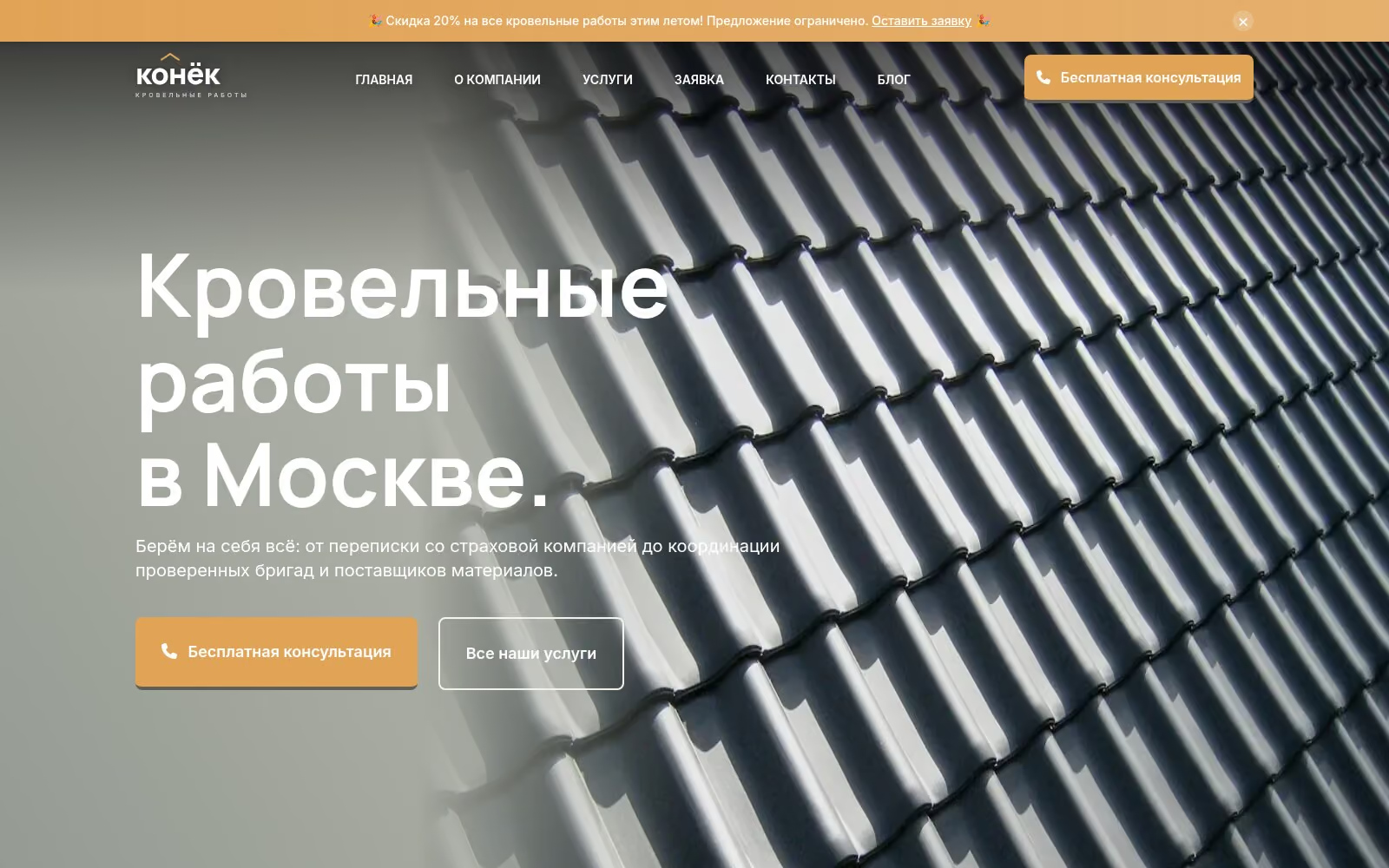
The demo is built as a roofing company website. It has a home page, an about page, six service pages, a booking form, contacts with a map and a blog. A privacy policy and a 404 page are also included. The business in the example is fictional.
This structure can be adapted for a design studio, garage, cleaning service or another small business. The right set of pages depends on your services and how customers choose a provider.
Each demo service has a description, an explanation of the work and a booking button. Visitors can land on the relevant page from search, an ad or a link you send, and get information about their specific task.
Articles and news if you plan to publish
The demo includes a complete blog: a paginated feed, categories and individual posts. It can hold answers to customer questions, company news or stories about your work. The section becomes part of the project structure if you plan to keep it updated.
Update the content yourself
In the CMS, you can open a page in a browser, edit a phone number, price or text, upload a photograph and save. The build and publishing process starts automatically. Changes are recorded, so you can view previous versions.
The public website serves prepared pages without a database. Editing access is issued separately from access to the server, domain and email.
Costs after launch
The platform itself has no monthly subscription. The domain, hosting and any external services are paid separately. I explain the running costs and support options before launch.
A website you can keep developing
The domain, hosting and source code are registered to you. The site is built on Astro, so a developer familiar with the stack can continue the work.
Read more about the work on the Websites service page, and see the pricing page for a budget guide.